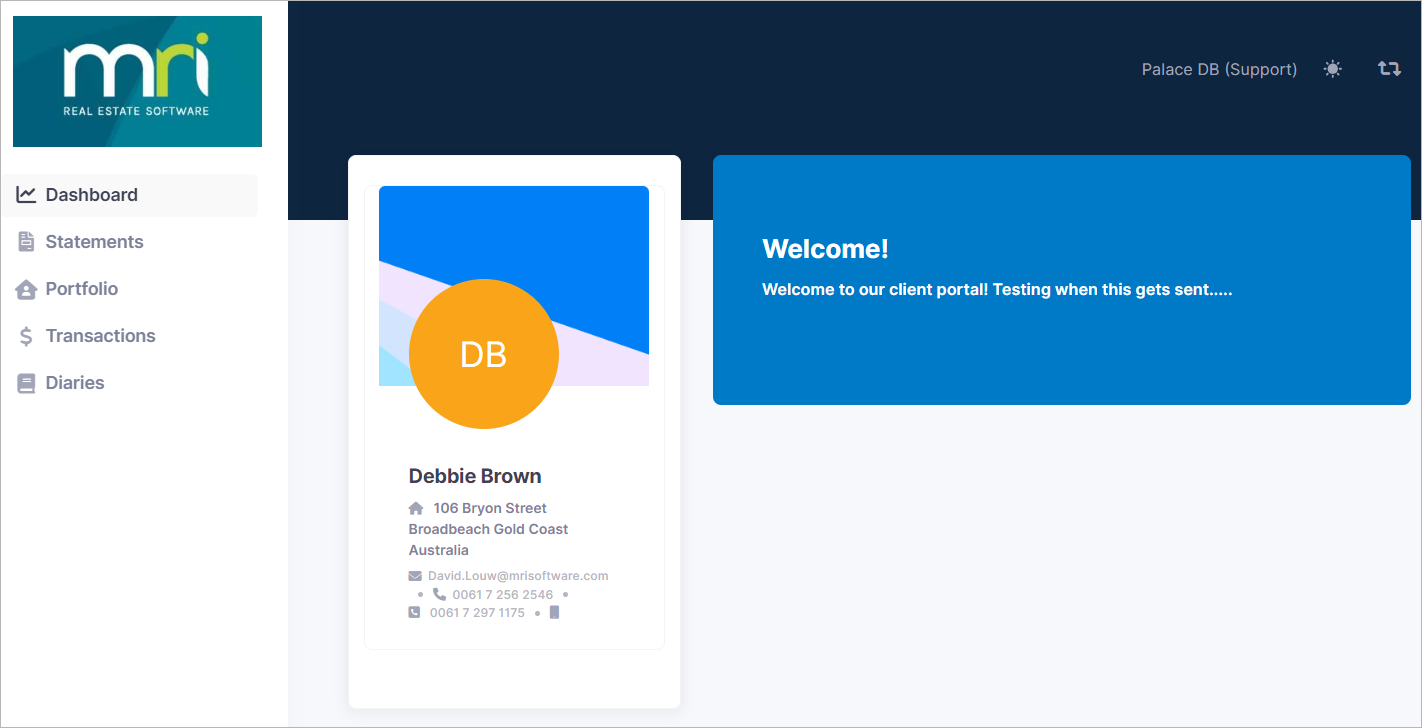
Landlords can use this link to log in to a website where property owners can
view specific information about their property:
Landlord Portal must be activated to gain access to the Owner Portal.
Please contact your designated property manager to request activation.
Once activated, you will automatically receive an email notification advising
that the portal access has been enabled.
If an owner is unable to sign into the portal, they should click on the
"forgot password" option displayed
on the owner portal sign-in page and follow the prompts to reset their password.
Functionalities:
Owners can customise their display theme with the Sun icon in the top right corner.
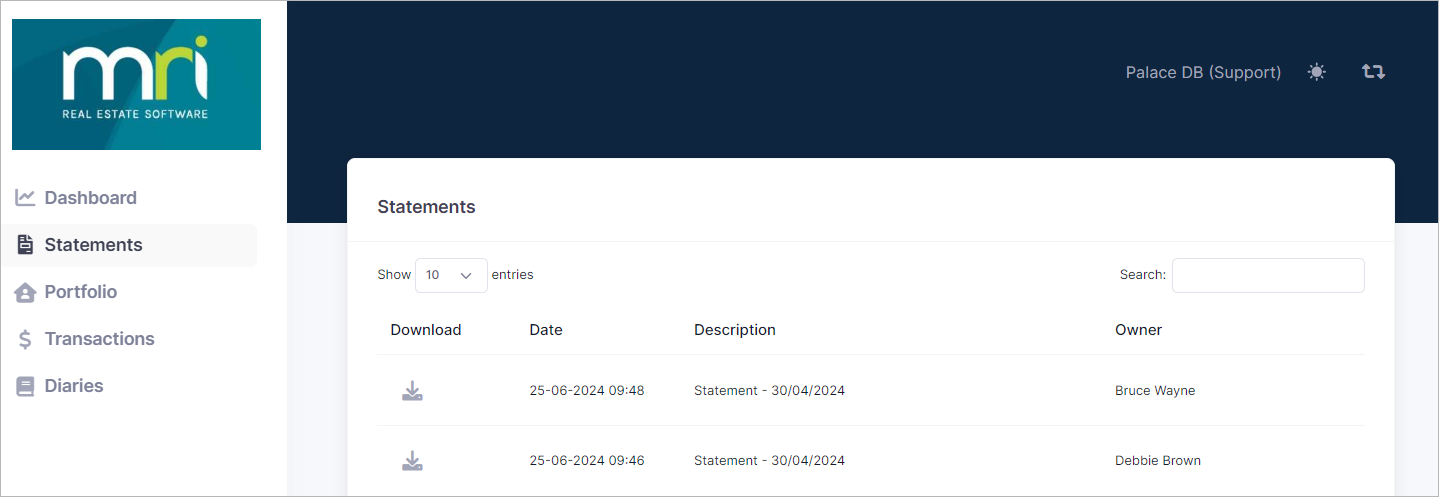
At the end of every month (or mid-month, depending on your workflow), owner statements
are generated in Palace.
You can find them on the statements page and download them whenever you need.
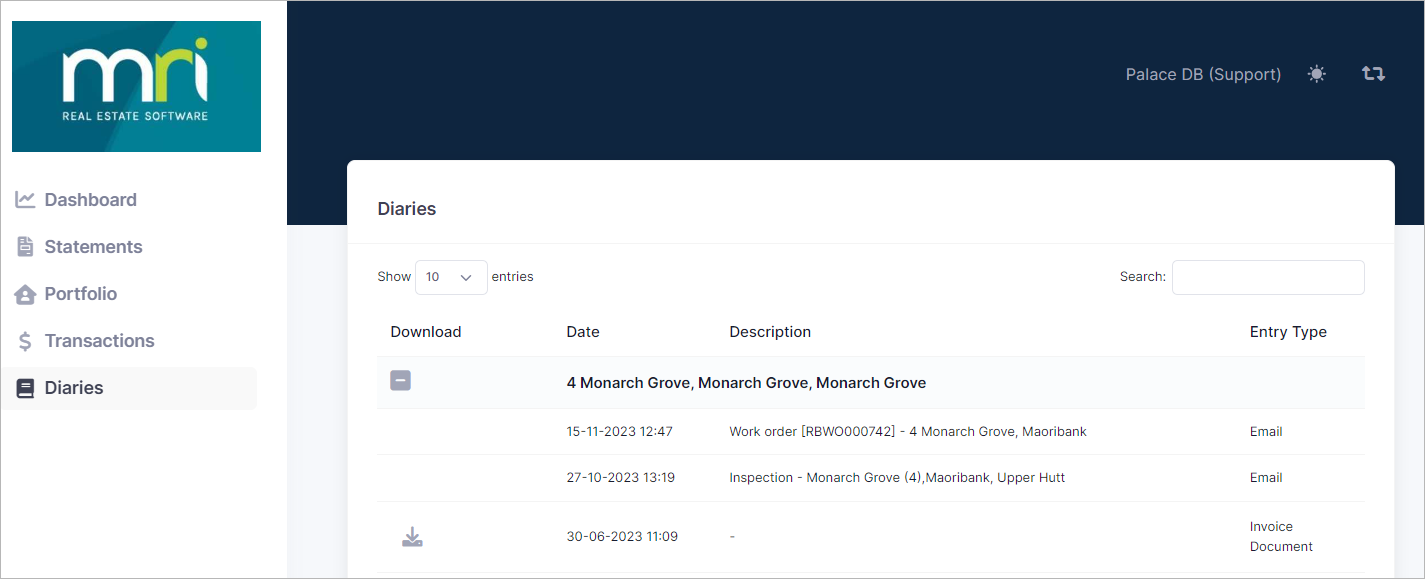
This area can contain copies of supplier invoices, inspection reports, diary notes,
and any other information the property manager uploads via the property diary.
If it is a file, it can be downloaded as and when required.